

/admin/validation) verifies student emails via the EmailAwesome API.
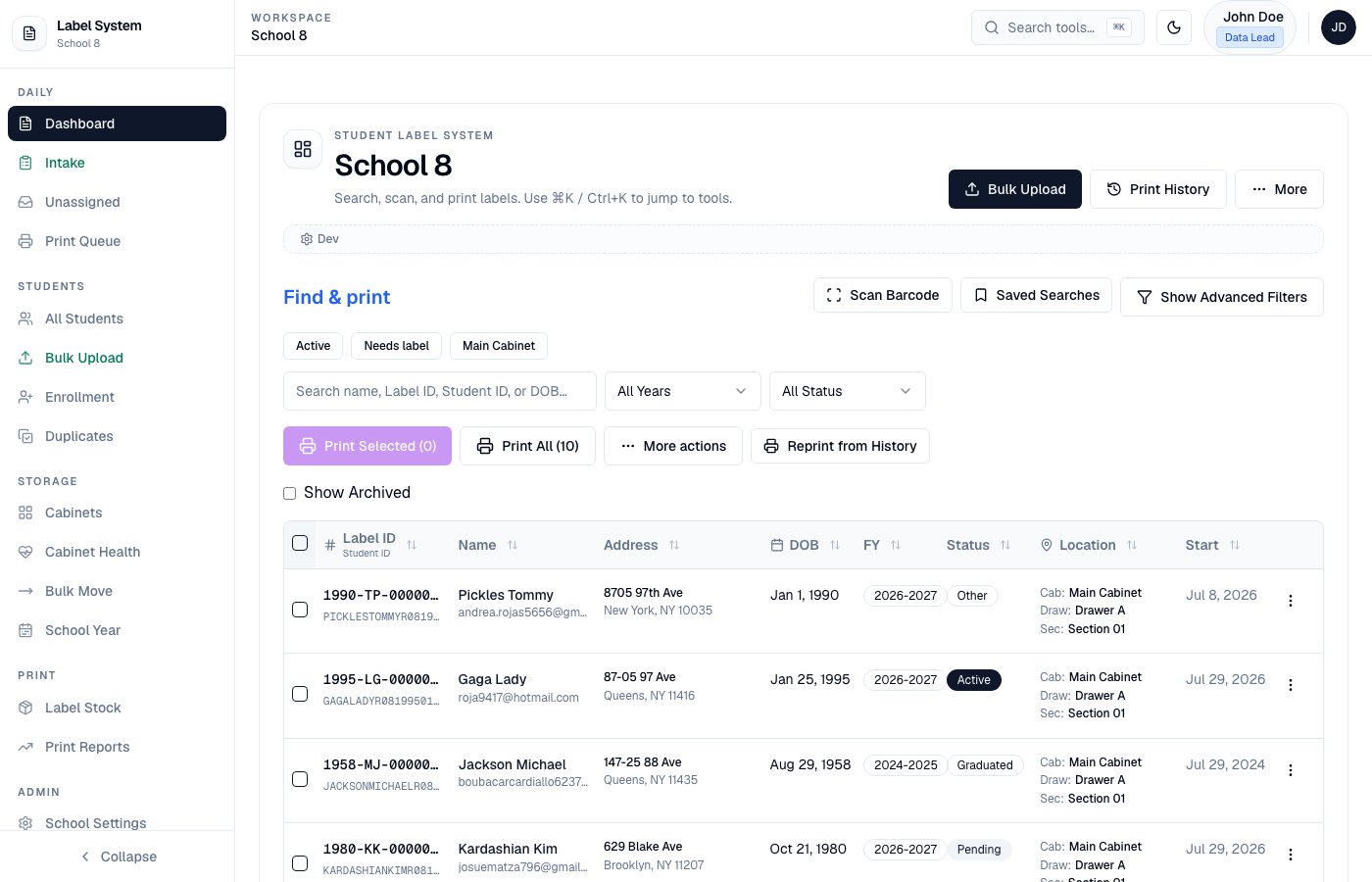
Email Validation — usage meter and submit workflow
Limits
- 1,000 validations per month with a visual usage meter (green → amber → red)
Workflow
1
Submit emails
Use the Submit New tab. Filter by “has email” or “not yet validated”, select students, and click Validate Emails.
2
Wait for results
Jobs auto-poll every 8 seconds. Results: Valid (green), Invalid (red), Catch-all (yellow), Unknown (gray).
3
Apply to student records
Click Apply Results to write
emailValidationStatus back to each student record.