

Overview
Print → Label Stock (/admin/label-stock) helps Data Leads and Admins know when to reorder Avery sheets before a print run runs out.
- Stock is tracked per school and per template (e.g. Avery 5163, Avery 94205)
- Units can be sheets or labels (with pack / labels-per-sheet helpers)
- Inventory decrements automatically when staff confirm Yes — mark as printed after a Word Doc download or browser print — not when they only open the preview or download the file
- Restock / adjust events and usage history are recorded (similar to cabinet move history)
- Burn-rate helpers estimate days of stock left and support reorder planning
- Export stock to CSV
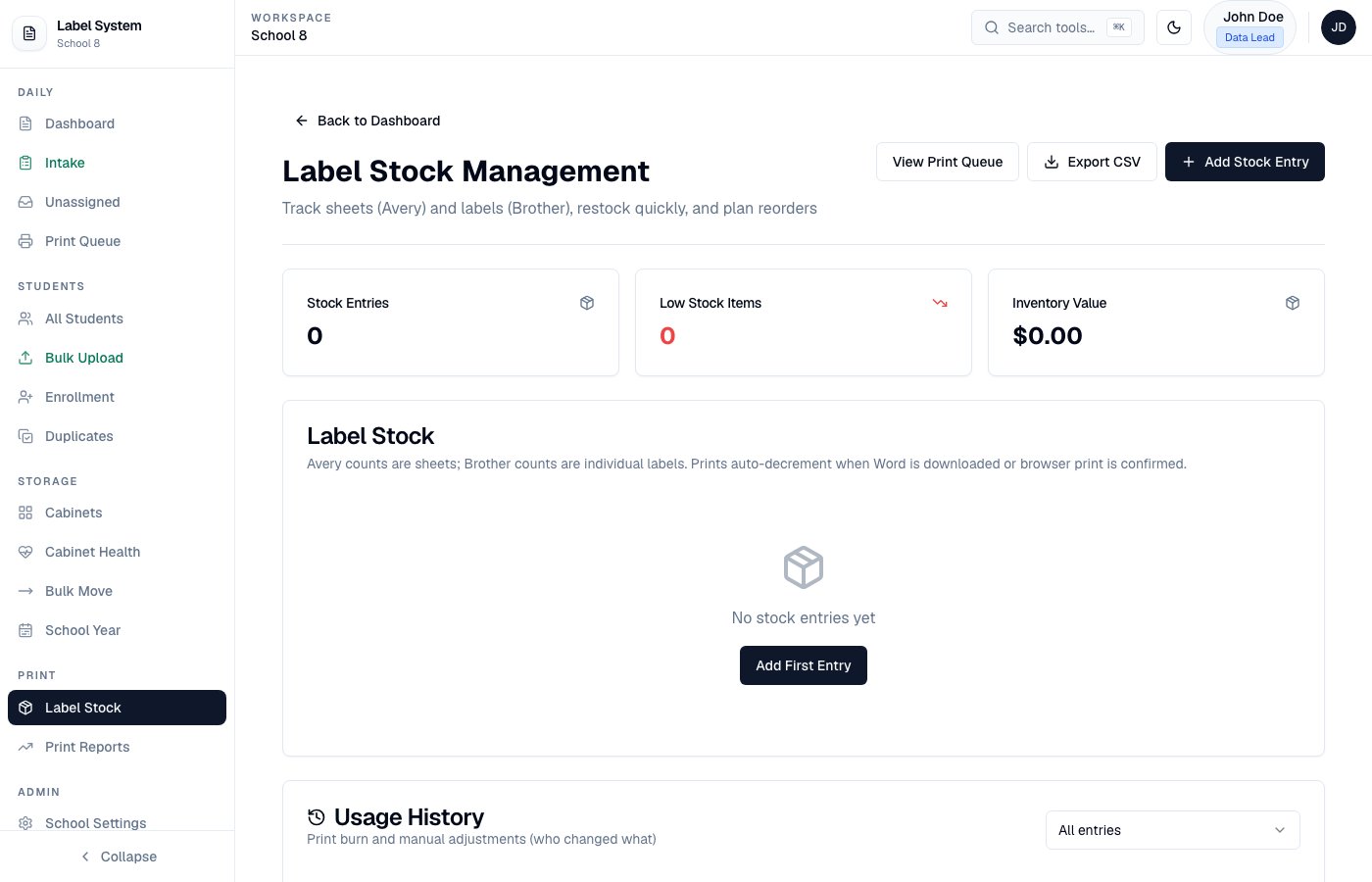
Label Stock — inventory, burn rate, and restock
Daily use
- Before a large print job, check days left and available sheets for your school.
- Print labels as usual from the Dashboard or Print Queue (Download Word Doc or browser Print).
- Confirm Yes — mark as printed so stock decrements (choosing No leaves inventory unchanged).
- When a new box of labels arrives, Restock (or adjust) and note the pack size.