

Address fields
Where addresses are captured
Intake (NEW students)
Contact & Address section with paste, parse, and Verify with NYC Geoclient.
Bulk upload
Optional
address, apt, city, state, zip columns in CSV.All Students
Students → All Students (
/admin/students/all) — edit address, verify batch, export with Apt column.Duplicates review
Side-by-side address comparison for flagged and auto-detected pairs.
NYC Geoclient verification
WhenNYC_GEOCLIENT_SUBSCRIPTION_KEY (or NYC_GEOCLIENT_APP_KEY) is configured:
- Building lookup — Geoclient validates house number + street + borough/ZIP.
- Apartment preserved — unit/apt is not sent to Geosupport; it is re-attached after standardization.
- Saved metadata — verification status, warnings, coordinates, and
addressStandardizedare stored on the student.
Typical workflow (Data Lead)
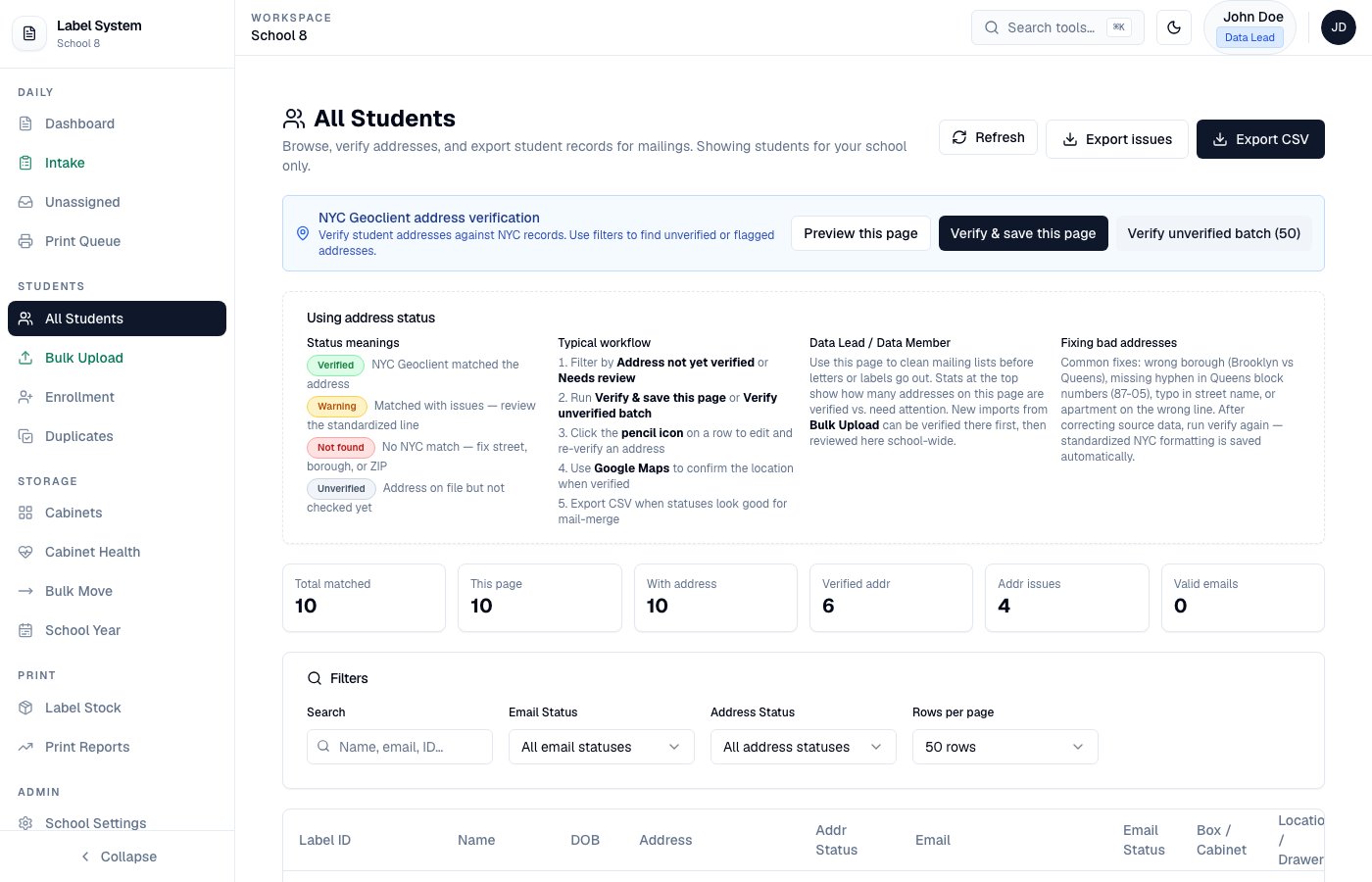
All Students — NYC Geoclient banner, filters, and address status badges
1
Filter unverified addresses
Open Students → All Students. Filter by Address not yet verified or Needs review.
2
Verify and save
Run Verify & save this page or Verify unverified batch. Standardized street data is written; apt stays in
apt.3
Fix and re-verify
Use the pencil icon on a row to edit street/apt/city/ZIP, then verify again from the dialog.
4
Export for mail merge
Export CSV includes street, Apt, city, state, and ZIP as separate columns.
Address status badges
Duplicate matching uses addresses
The intake duplicate check and Students → Duplicates both compare home addresses:
Auto-detection on the Duplicates page can surface pairs with same DOB + same address even when names do not fuzzy-match.
Paste and CSV formats
Paste examples (intake or edit dialog):address:
apt, unit, suite, address2, AddressLine2.