1. Sign in
Go to nycadultedlabels.nyc/auth/signin and sign in with your NYC DOE email and password, then your MFA authenticator code. Your role determines which pages you can access:
After sign-in (except Intake Members), use the left sidebar to jump between Dashboard, Intake, Cabinets, Print Queue, and other tools. On mobile, open it from the menu button in the top bar. Press ⌘K / Ctrl+K for the command palette.
See User roles for the full permission matrix.
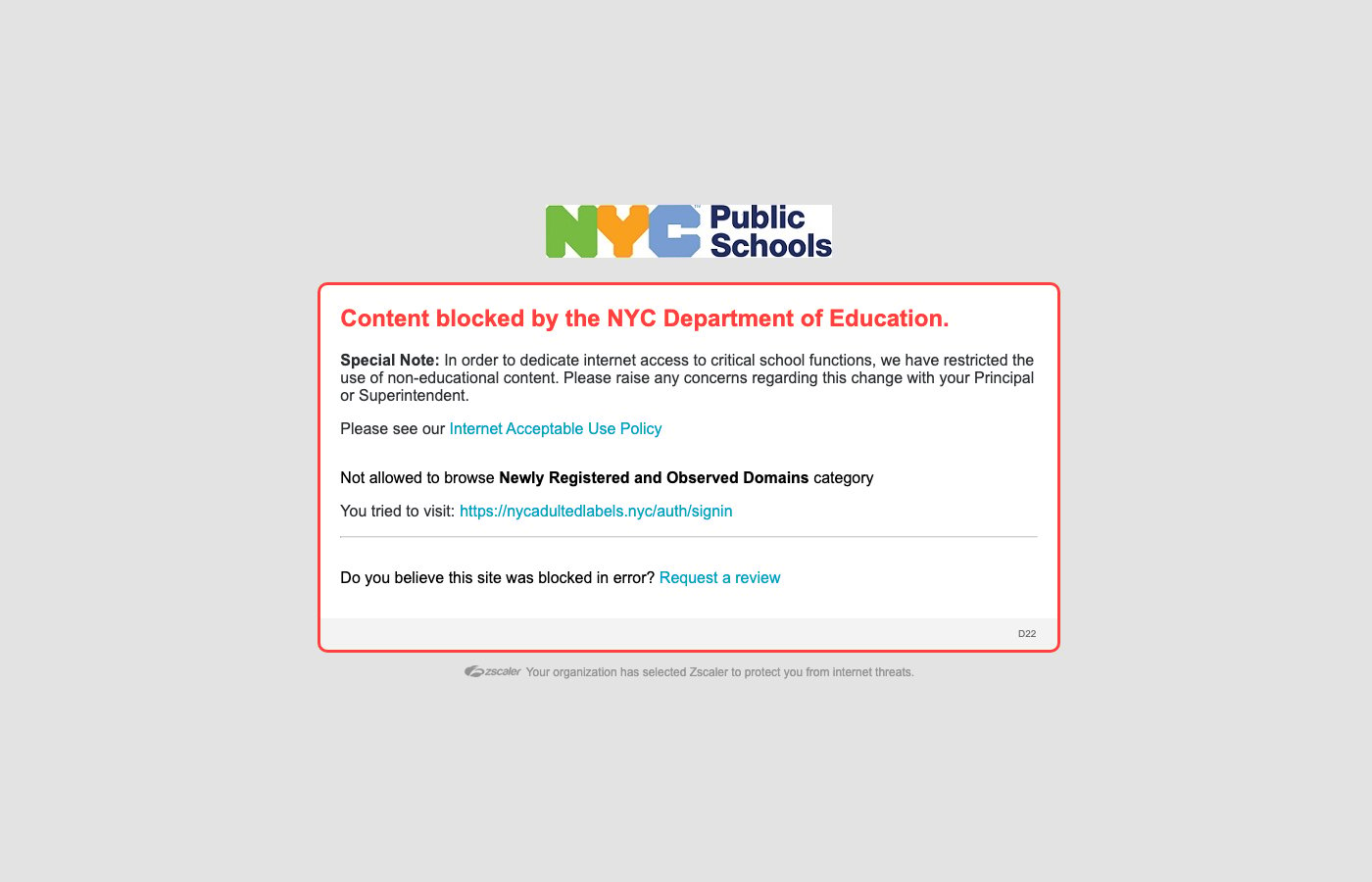
Production sign-in — branded NYC Adult Education portal (DOE email and password)
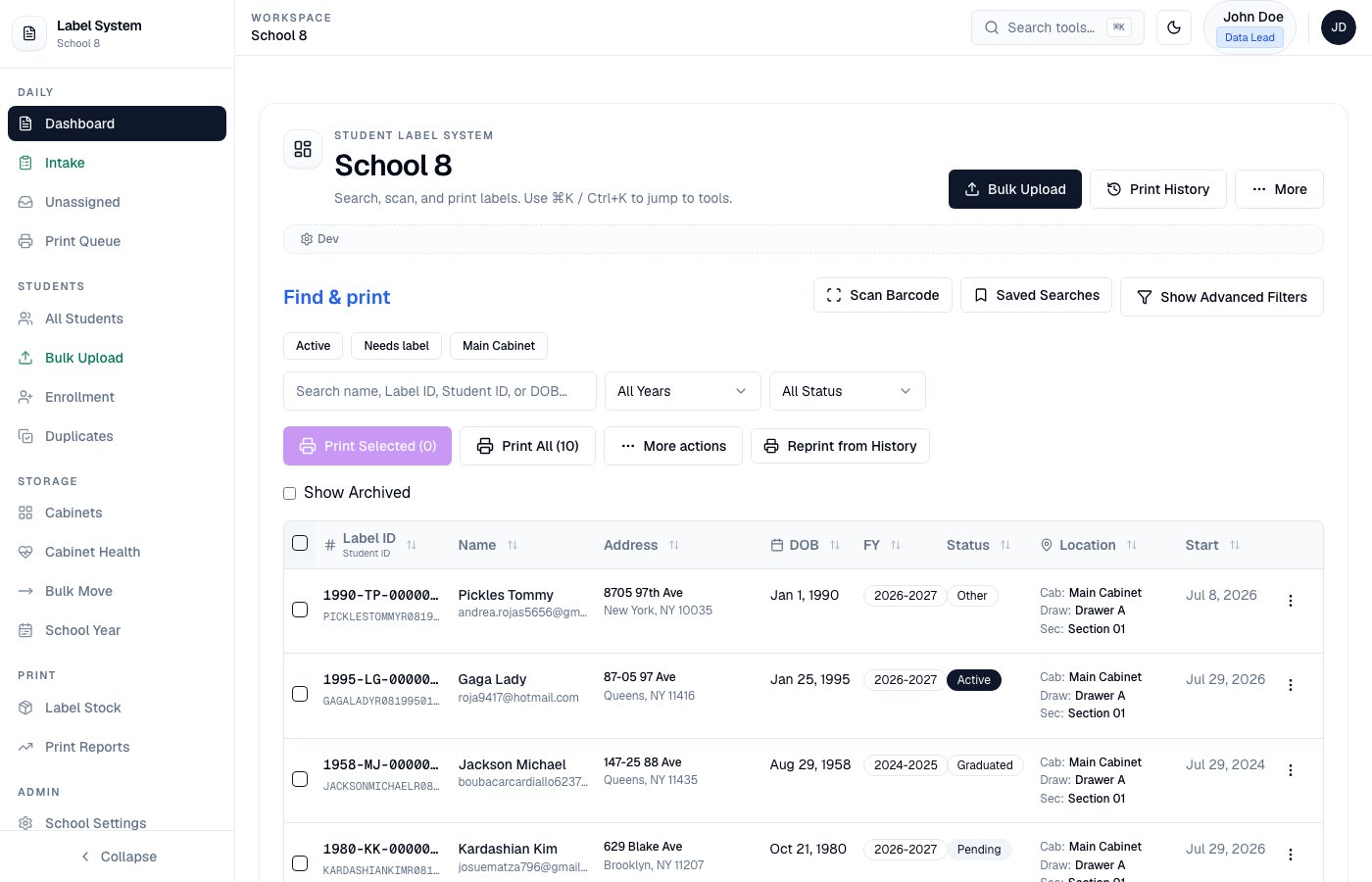
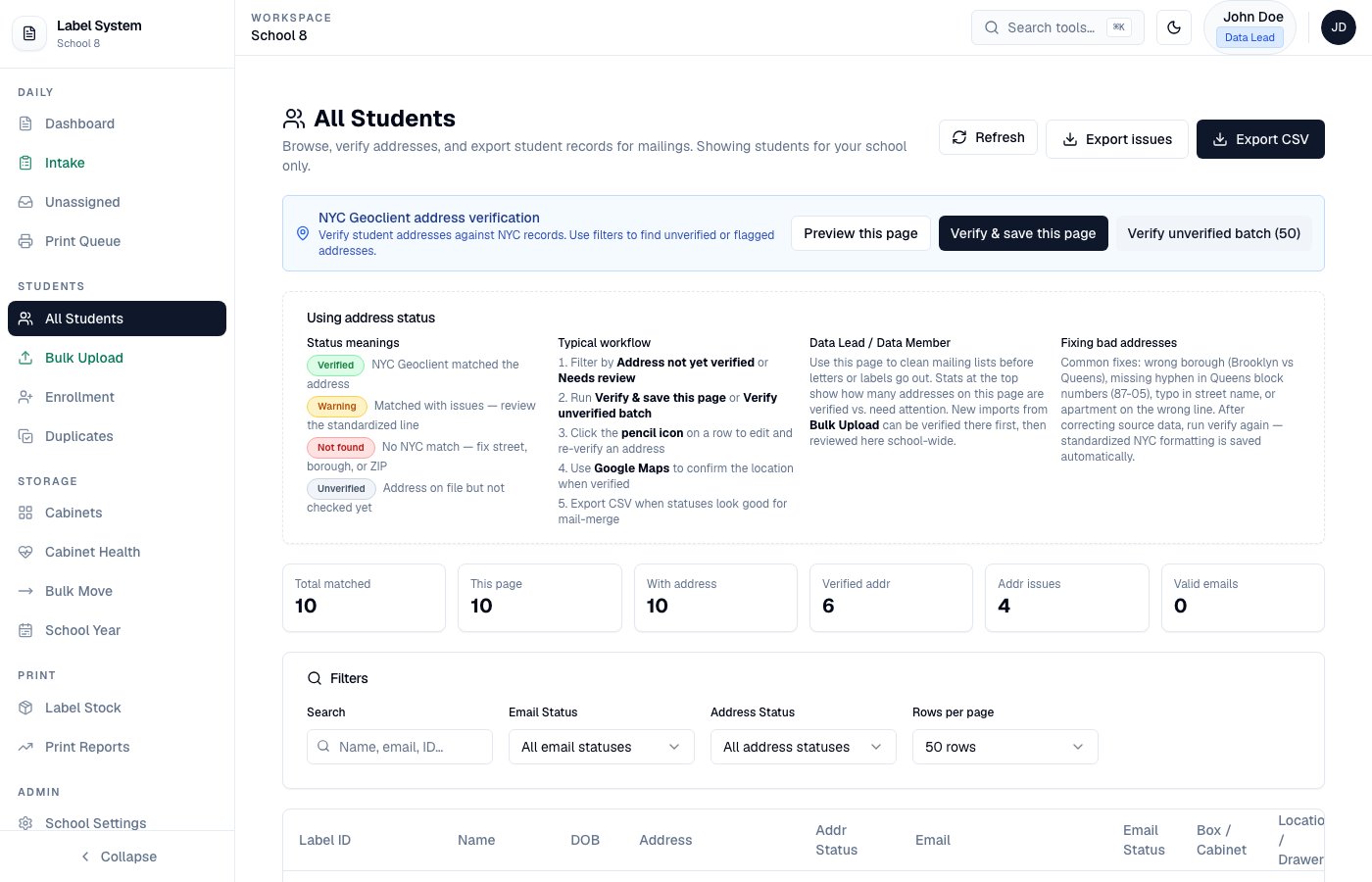
App shell — left sidebar navigation for staff tools
2. Complete your first task
- Intake Member
- Data Member
- Data Lead
1
Open Intake
You land on
/intake after sign-in.2
Register or log a visit
- NEW — enter name, DOB (must be 21+ for BE/ESL), phones, address, employment / race / barriers, session, and times
- RETURNING — search the student, then record today’s visit only
3
Watch session hours
Time In / Time Out must fall inside the selected intake session window or submit is blocked.
4
Review the success summary
Confirm what was saved. Under-21 students get a copyable P2G referral message. Labels are printed later in batches from the Dashboard.
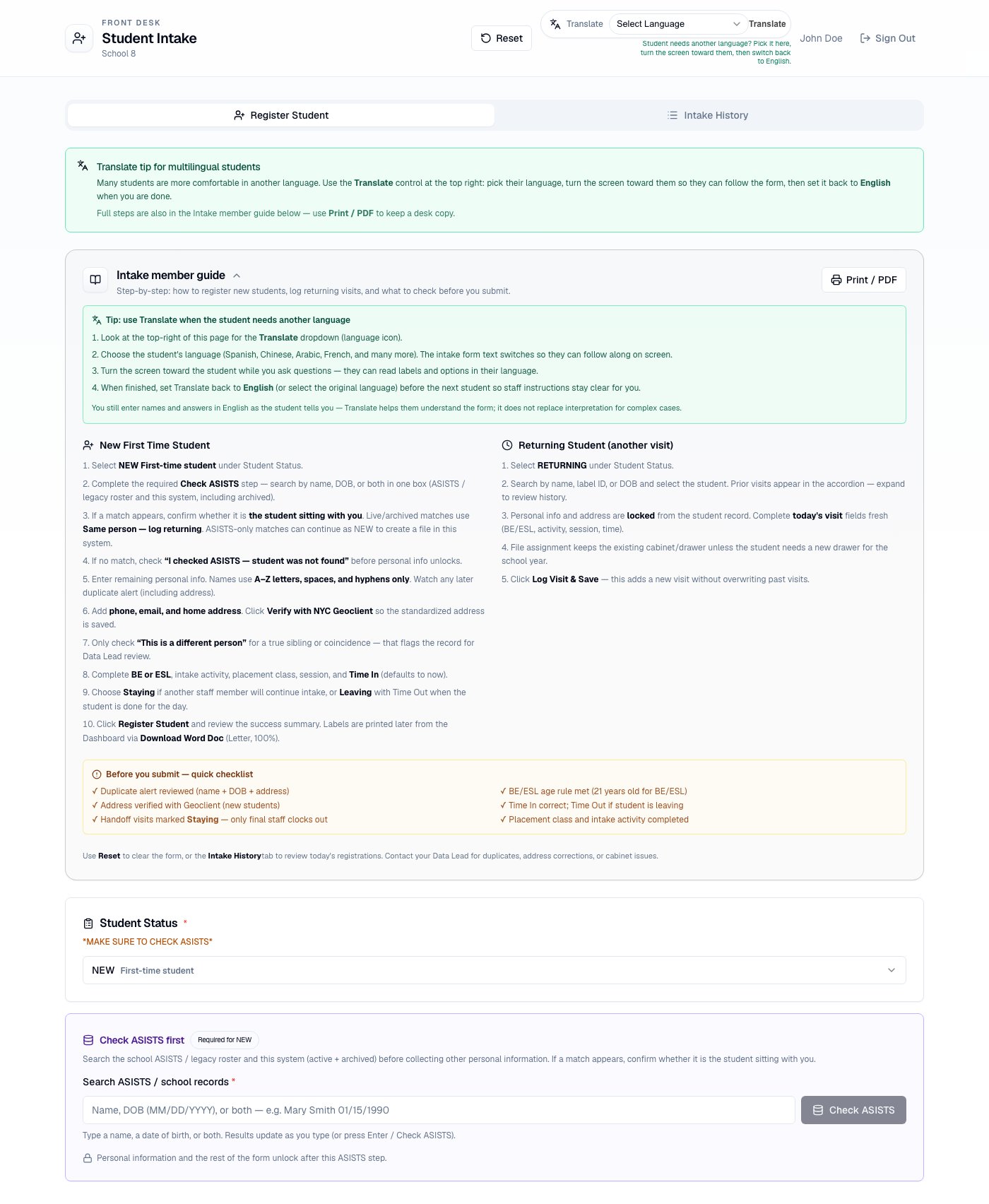
Intake form used by front-desk staff
3. Learn the ID system
Every student has two IDs:- Label ID — short ID on the barcode and QR (e.g.
1979-JJ-0000001) - Student ID — ASISTS-aligned demographic ID (e.g.
JARAMILLOJAVIERR012251979); legacy matches keep the full ASISTS export ID
4. Need help?
- Full guide: start with Intake workflow
- In-app guide: App documentation
- Contact: jjaramillo7@schools.nyc.gov